

HengOngBet Sports Betting: Events, Markets & Providers
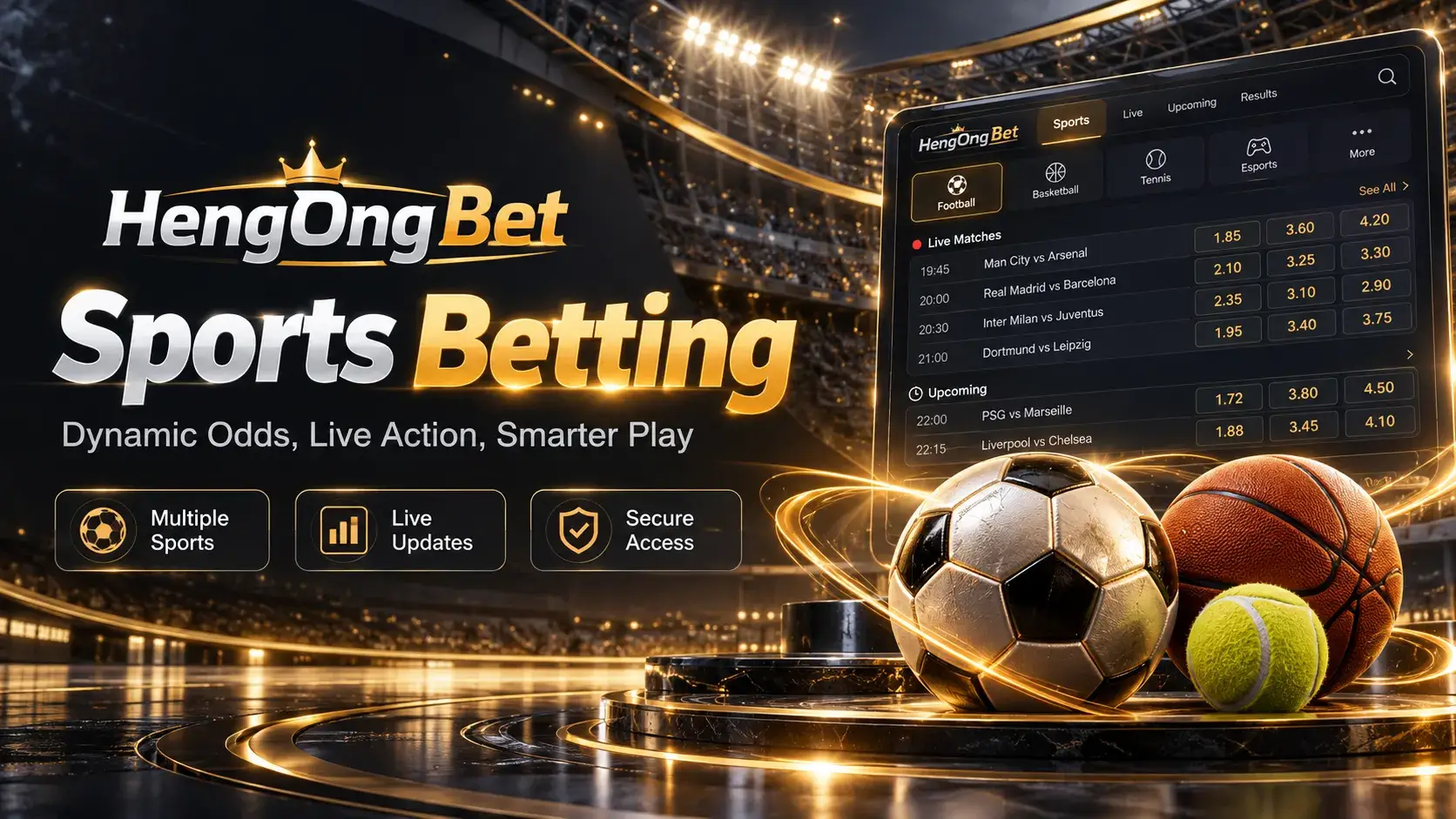
This Sports guide helps you move from a sport category to a competition and individual event, understand the market labels and event status shown on screen, and find the Sports provider pages currently documented on this site.
Specific markets, odds and sport coverage are set by the provider page you actually open — this guide explains the general sportsbook navigation pattern, not a fixed HengOngBet feature list.

Event guide
Anatomy of an Event Listing
What an event listing can show once you open it — presence and layout still depend on the selected provider.
Sport / Competition
Which sport and competition the event belongs to, as shown in the current menu.
Participants
The teams or players involved in the event.
Date & Time
The scheduled start time shown on screen — treat this as the reference, not a cached or remembered time.
Event Status
Whether the event is scheduled, in progress, or no longer open for a given market.
Market Label
The specific proposition currently being shown, which should be read rather than assumed.
Displayed Odds
The value shown for a market at that moment — this can change, particularly once an event goes live.
Live Indicator
A marker showing an event is in progress, where the interface displays one.
Event state
Pre-Match and Live Are Not the Same View
Pre-match generally refers to an event listed before its displayed start or in-progress state. Live generally means the event is currently shown as in progress, and the information on screen may update while it's open. A market or event can also show as suspended, closed, or otherwise unavailable, meaning it may no longer accept interaction at that moment. Exact wording varies by provider interface, so treat these as general concepts rather than a fixed label set.
| View | What It Usually Indicates | What to Verify |
|---|---|---|
| Pre-match | The event hasn't started, or isn't shown as in progress | The scheduled date and time before assuming availability |
| Live | The event is currently shown as in progress | That the displayed status and odds are current, not from an earlier view |
| Suspended / Closed / Unavailable | The event or market may not currently accept interaction | Whether the status changes after a reload, rather than retrying repeatedly |
Markets & odds
Reading Markets and Displayed Odds
A market identifies the specific proposition being shown for an event — common examples include a match winner, a totals-style market, or a handicap, though exact naming and availability depend on the sport, competition and provider. Read the label shown on screen rather than assuming it matches a market from a different event or provider.
The value displayed next to a market can change, especially once an event goes live. What's shown at the moment you act is what matters — an odds value seen earlier, or on a different page, shouldn't be treated as still current. Odds format can also vary by interface or provider; use the label shown in the selected Sports view rather than assuming a specific format.
Status
Understanding Event Status
Listed with a start time, not yet underway.
Shown as currently underway; details may update.
Temporarily not accepting interaction.
No longer open for the display shown.
The event has concluded.
These are general status concepts common to sportsbook interfaces, not a confirmed list of HengOngBet's exact on-screen labels.
Before you proceed
Sportsbook Navigation Checklist
Troubleshooting
If Live Information Stops Updating
- Confirm your own internet connection is working.
- Check whether the page is still responsive to other actions.
- Refresh or re-open the selected event.
- Compare whether another event or page updates normally, to narrow down a local issue versus something wider.
- Rely on the status shown after reloading, not what was previously on screen.
- Avoid acting on information you can't confirm is current.
Access
Account and Mobile Access
Placing a wager uses the same HengOngBet account as the rest of the site — log in if you already have one, or register to see what's needed first (see the FAQ above for those links).
On a smaller screen, event lists and market rows may stack or scroll differently than on desktop, and live data still needs a current connection to stay accurate, with no separate download needed. HengOngBet Casino Malaysia ties Slots, Live Casino and 4D together if you're exploring beyond Sports.
Play responsibly
Responsible Sports Betting
- Knowing a sport well doesn't guarantee an outcome.
- Displayed odds reflect a market at that moment, not a prediction of the result.
- The pace of a live event can create pressure to act quickly — slow down if that's happening.
- Decide a spending or time limit before you start, not partway through.
- Treating a previous result or run as certainty for what comes next is a common mistake, not a signal to rely on.
FAQ